 ShipKit
Guides / 2026-09-24
Moving from Cloudflare D1 to Postgres later: what an AI can translate, and what it can't
Starting on D1 (SQLite) doesn't lock you in forever. Switching a Drizzle app to Postgres is mostly mechanical, and an AI agent handles that part well. The real work is behavior that changes silently and the data you already have. A checklist.
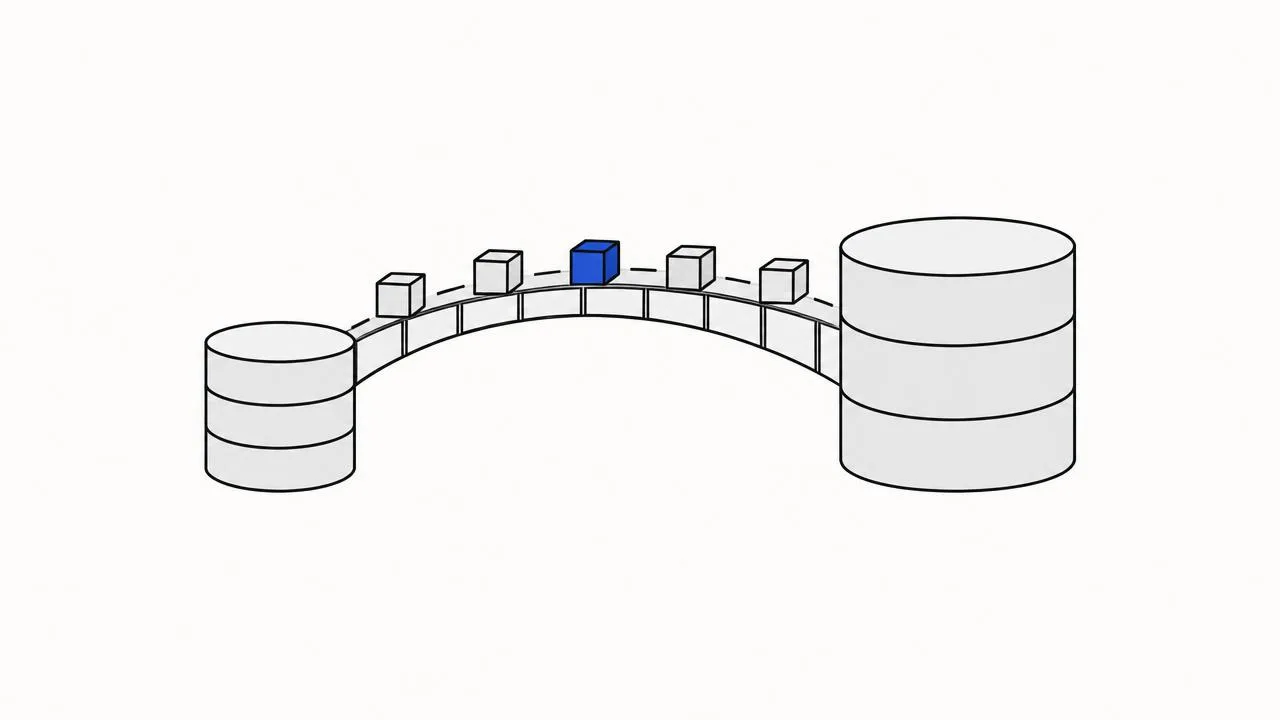
The most common worry about starting a SaaS on Cloudflare D1 is: what if I outgrow SQLite? It's a fair question. D1 has a 10 GB ceiling per database, no interactive transactions and none of Postgres's extensions. We covered why ShipKit starts on D1 anyway. This post is about the exit: what it takes to move a Drizzle app from D1 to Postgres if you ever need to.
To be clear up front: we have not shipped a Postgres version of ShipKit. What follows is the checklist we'd work from, grounded in the template's actual code. The short answer is that the code is the easy half. The hard half is behavior that changes without any error, and data you already have.
The part an AI agent does well
With Drizzle, the schema is TypeScript, so switching databases starts as a
translation job. An agent like Claude Code or Codex does this reliably when
the codebase is regular. In ShipKit it is: the database client is created in
one file, each feature keeps its tables in its own schema.ts, and every
table follows the same conventions. The mechanical steps:
- Schema. Change
sqlite-coretopg-corein every schema file:sqliteTablebecomespgTable, and each column gets its Postgres type. - Defaults. SQLite defaults like
cast(unixepoch('subsecond') * 1000 as integer)becomenow(). - Date functions. Any raw SQL using SQLite's
date(x / 1000, 'unixepoch')becomesdate_trunc('day', x). ShipKit's analytics has exactly one such helper. - Transactions. D1 has no interactive transactions, so code that needs
several writes to be atomic uses
batch(). On Postgres those become realdb.transaction()blocks, which is an upgrade. - Auth. Point Better Auth's Drizzle adapter at
pgand regenerate its tables. - Migrations. Don't translate the old SQLite migration files. Generate a fresh Postgres baseline from the new schema.
- Connection. On Workers, connect through Cloudflare Hyperdrive, which is included in the Workers plans. Off Workers, use a normal pooled client.
All of that is a few hours of agent work, and tsc catches most slips along
the way.
The part that compiles and is still wrong
These changes produce no type error and often no failing test. They're why "the AI translated it" isn't the same as "it works".
LIKE becomes case-sensitive. SQLite's LIKE ignores case for ASCII
letters, and Postgres's doesn't. ShipKit's admin search uses LIKE, so after
a straight translation, searching "john" no longer finds "John". Nothing
errors, you just get fewer results. Every LIKE needs a decision: ILIKE,
or lower() on both sides.
NULLs sort to the other end. In ascending order SQLite puts NULL first,
and Postgres puts it last (the reverse for descending). A list sorted by
"last login" or "paid at" quietly changes order. Add explicit
NULLS FIRST/LAST wherever the order matters.
Types get strict. SQLite has no real boolean or timestamp type. ShipKit
stores timestamps as integer milliseconds and booleans as 0/1, and Drizzle's
mode option hides that from your code. In Postgres you'll want native
timestamptz and boolean columns. Then check every place that compares,
buckets or does arithmetic on those values in raw SQL.
SQLite forgives bad data, and Postgres doesn't. SQLite's type affinity lets a text value sit in an integer column. Postgres rejects it. You find out during the data import, not during the code migration.
Local development changes shape. On D1, local dev needs no setup at all. On Postgres you need a database running locally (Docker, or a branch on your hosting provider), plus a new way to seed data and reset it for end-to-end tests and CI.
If you already have users: moving the data
For a new project with no data, you're done at this point. For a live product, this is the step that decides whether the switch goes well.
- Export.
wrangler d1 export <db> --remote --output=dump.sqlwrites the database as SQL. Cloudflare's docs note two things. A running export blocks other requests to the database. And very large integers can lose precision, because values pass through JavaScript numbers. - Transform. The dump is SQLite SQL with SQLite values. Integer milliseconds need to become timestamps, and 0/1 need to become booleans. A small script that reads the dump and writes Postgres-typed rows is safer than hoping a generic converter guesses your conventions.
- Load and verify. Import into Postgres, then check row counts per table and sum the money columns on both sides. An order total that doesn't match is how you learn a conversion is wrong.
- Cut over. Put the app in read-only or maintenance mode, run a final export and import, switch the connection, and watch the error logs.
An agent can write the transform and the verification queries. A person should still read them and check the totals.
So how long does it take?
- No production data yet: about a day or two. That's the translation, plus going through the silent-behavior list above and re-running the test suite.
- A live product: a few days, most of it in data migration and verification, not code.
That's the honest cost of the exit. It's real, but it's bounded. It's also why we built ShipKit for one database instead of trying to support both: a single clean codebase is easier to move than two half-maintained ones. And if you already know you need Postgres, start with a Postgres starter. Our TanStack Start boilerplate comparison lists several.
If D1 fits your first year, and for most new SaaS products it does, ShipKit gives you the rest: auth, payments, an admin console, i18n, and the rules and tests that keep an agent from breaking them.