 ShipKit
Walkthroughs / 2026-09-24
How to sell access to a private GitHub repo
Payment in, read-only collaborator out, access gone on a full refund: the whole delivery flow behind shipkit.sh, with the GitHub API calls and the edge cases that bite.
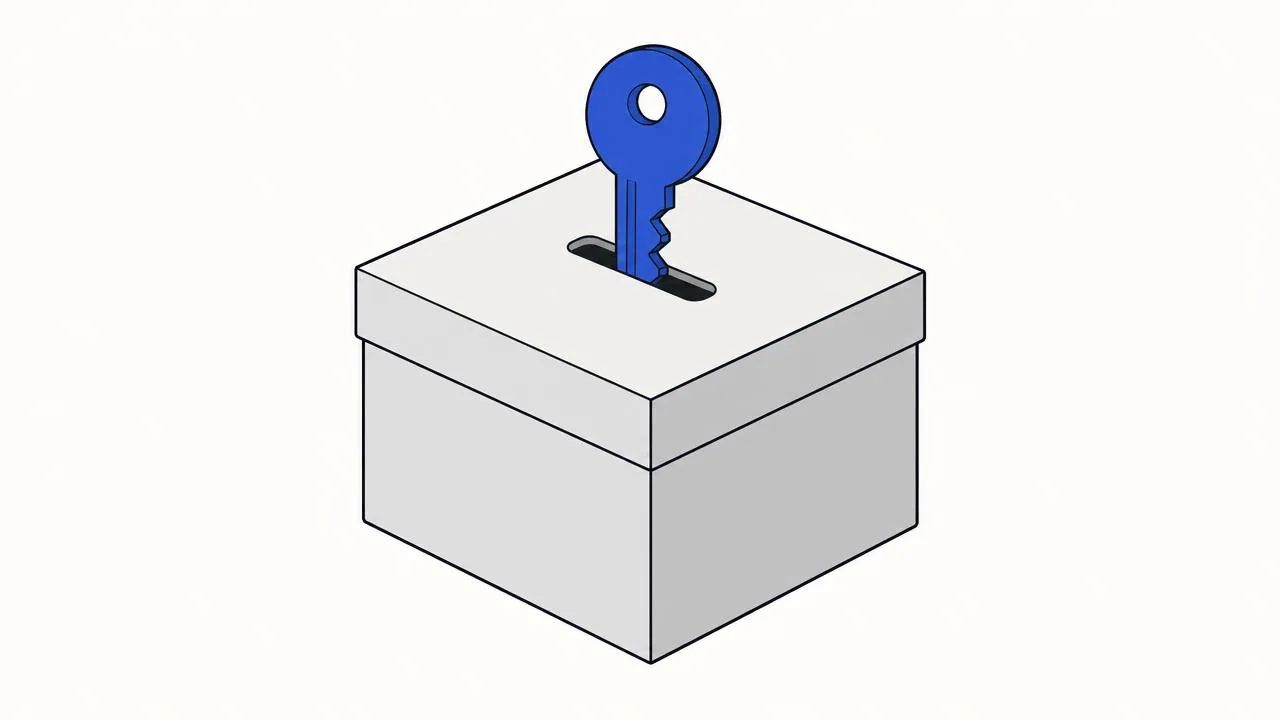
If what you sell is source code, a private GitHub repository is the best
delivery channel there is. Buyers get git clone, every future update is a
git pull, issues and releases come for free, and you never host a zip file.
What is missing is the part in the middle: turning a payment into a repository
invitation automatically, and taking it back when the money goes back.
This is exactly how shipkit.sh delivers the ShipKit template. Below is the whole flow, the four GitHub API calls it needs, and the edge cases that took longer than the happy path.
The shape of it
- The buyer pays. The payment provider (Creem here, Stripe works the same)
sends an
order.paidwebhook. - The webhook handler writes a license row: who paid, for which order, and a status.
- The server works out which GitHub account to invite and adds it to the repository as a read-only collaborator.
- GitHub emails the buyer an invitation. They accept it and clone.
- On a full refund or a lost dispute, the collaborator is removed.
Everything interesting lives in step 3 and in what happens when any step runs twice.
Before any code: put the repo in an organization
This is the one that costs people a day. On a repository owned by a personal account, a collaborator is always given write access. There is no read-only option. Anyone you sell to could push to your main branch.
Repositories owned by an organization let you pick the role per
collaborator, and pull (read) is one of them. A free organization is enough.
Create one, transfer the repository into it, and sell from there.
The token
The server needs a token that can add and remove collaborators on that one repository and nothing else. Create a fine-grained personal access token with:
- Repository access: only the release repository
- Permissions: Administration: Read and write
That is all four calls below need. Keep it as a server secret
(GITHUB_REPO_TOKEN in our case). Never ship it to the browser.
The four API calls
Invite: PUT /repos/{owner}/{repo}/collaborators/{username} with
{"permission": "pull"}. Read the status code:
201: an invitation was created (or refreshed).204: they are already a collaborator.
async function addCollaborator(login: string) {
  const res = await gh(`/repos/${owner}/${repo}/collaborators/${login}`, {
    method: 'PUT',
    body: JSON.stringify({ permission: 'pull' }),
  })
  if (res.status === 201) return 'invited'
  if (res.status === 204) return 'active'
  throw new Error(`invite failed: ${res.status}`)
}
Check: GET /repos/{owner}/{repo}/collaborators/{username} returns 204
if they are in and 404 if not. GitHub sends no webhook when someone accepts
an invitation, so ask when it matters: we check whenever the buyer opens their
dashboard and the license still says invited.
Cancel a pending invitation: list GET /repos/{owner}/{repo}/invitations,
find the invitee's login and DELETE that invitation. Without this step, a
buyer who was refunded before accepting could still accept afterwards.
Remove: DELETE /repos/{owner}/{repo}/collaborators/{username}. Treat
404 as success, because the goal ("they have no access") is already met.
Which GitHub account? Never a text box
The obvious design is a field that says "enter your GitHub username". Don't build it. A typo invites a stranger. So does someone typing a friend's name to share one purchase. And GitHub usernames can be renamed and then taken by someone else.
Instead, the account comes from GitHub OAuth:
- A buyer who signed in with GitHub is invited straight away.
- A buyer who signed in another way (Google, an email code) sees a "Connect GitHub" button on their dashboard. It links a GitHub account to their existing one through OAuth, and the invitation goes out when they come back.
Store GitHub's numeric user id, not only the login. The id never changes. Look up the current login from the id right before you call the API.
Make every step safe to run twice
Webhooks are delivered at least once. The buyer also comes back from checkout to a page that tries to settle the order on its own, in case the webhook is slow. So the same order will be processed more than once, possibly at the same moment.
What holds this together:
- A unique key on (provider, order id). The webhook inserts with "on conflict do nothing", then reads the row back. A redelivery finds the existing row and does no damage.
- A status machine instead of flags.
needs_github,invited,active,failed,revoked. Each entry point asks "what does this row need?" A row that is alreadyinvitedoractiveis left alone. A row that isneeds_githuborfailedgets another attempt. - One module owns every change. The webhook, the checkout return, the
"connect GitHub" callback, the retry button and the refund handler all call
the same
grantAccess/revokeAccessfunctions. Nothing else talks to GitHub. - Inviting twice is harmless. The
PUTis idempotent. It is also how an expired invitation is resent. Repository invitations expire after seven days, which is a real case when someone buys on a Friday and opens the email a week later.
When GitHub says no
GitHub can fail: a bad token, rate limits, an outage. The payment has already succeeded, so the grant must not throw back into the webhook. Retrying can't fix a revoked token, and the provider would keep redelivering.
Instead, the license row becomes failed with the error stored server-side.
The buyer sees "something went wrong, retry", and the admin console shows the
same row with a retry button. The error text stays on the server, because it
can contain a raw GitHub response body.
Revocation is the other way round: it does throw. If removing access fails during a refund, you want the provider to redeliver the webhook until it works.
Refunds: full removes access, partial doesn't
Treat a partial refund as goodwill: the buyer keeps the license. A full refund, or a chargeback you lose, removes access. The revoke runs in this order:
- Cancel any pending invitation for that login.
- Remove the collaborator.
- Mark the row
revokedand write an audit entry.
Be honest with yourself about what this does. Revoking access stops future updates, but it can't take back a copy that was already cloned. That is true of every way to sell source code. The repository makes it clean: the buyer loses the updates, which is most of what they paid for.
Moving to a different GitHub account
Buyers switch accounts: a work account, an organization, a new handle. Support it by letting them connect a different GitHub account. Then remove the old one first and invite the new one. If the removal fails, keep the old account and report the error. The failure you want is "still on the old account", not "two seats for one purchase".
What it adds up to
On shipkit.sh this is a few hundred lines: a licenses table, a small
GitHub client, one access module and two payment event handlers. It is short
because the template underneath already turns Stripe and Creem webhooks into
provider-neutral events (order.paid, order.refunded) that are verified,
deduplicated and delivered to whichever feature registered for them. The
license feature never sees a provider payload. It reacts to "this order was
paid" and "this order was refunded in full".
If you are building something you sell as code, a template, a UI kit or a course repository, that event layer is where most of the work is. It is also the part ShipKit gives you on day one.