 ShipKit
Reference / 2026-09-05
D1 has no interactive transactions: how to spend a balance safely anyway
Spending credits safely on Cloudflare D1, where db.transaction() throws: a conditional single statement, when to reach for batch(), and the append-only ledger ShipKit uses so there is no balance to get wrong.
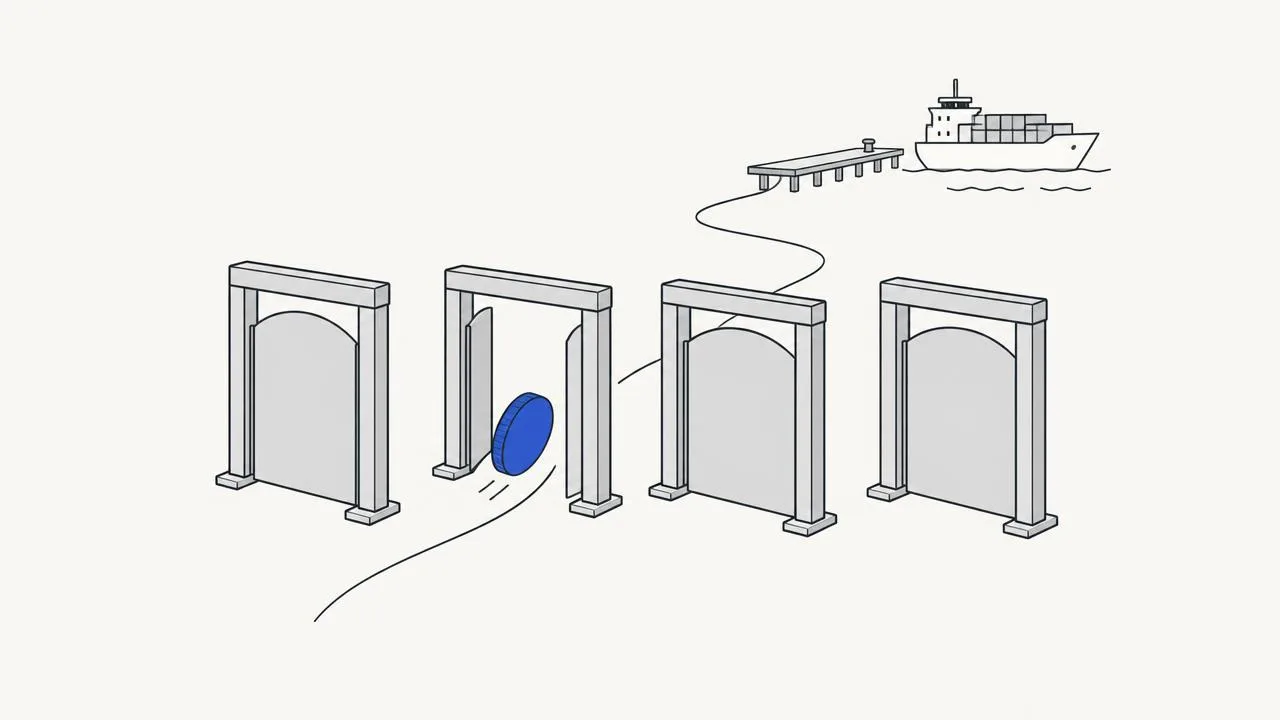
Cloudflare D1 does not support interactive transactions. db.transaction()
throws at runtime, and no amount of Drizzle configuration changes that: the
constraint is in the platform, because a transaction that stays open across
round trips is exactly what a distributed SQLite cannot offer. It is one of
the trade-offs of building on Cloudflare; we weigh the others, and what you
get for them in a post of its own.
That matters the moment you have a balance to spend.
The naive version, and why it loses money
const { balance } = await db.select(...)   // read
if (balance < cost) throw new Error('insufficient')
await db.update(...).set({ balance: balance - cost })   // write
Two requests arriving together both read the same balance, both pass the check, and both write. The account goes negative, and the ledger no longer explains how.
The fix: make the check part of the write
Do not read, decide, then write. Write conditionally, and let the database decide:
const spent = await db
  .update(credits)
  .set({ balance: sql`${credits.balance} - ${cost}` })
  .where(and(eq(credits.userId, userId), gte(credits.balance, cost)))
  .returning({ balance: credits.balance })

if (!spent.length) throw new InsufficientCredits()
One statement. The gte in the WHERE is the balance check, so it is
evaluated under the same lock as the update. Zero rows back means it did not
apply — the caller learns that from the row count, not from a prior read.
When one statement is not enough
Spending usually also writes a ledger row, and you want both or neither. That
is what db.batch() is for: several statements, one round trip, applied
atomically. It is not an interactive transaction — you cannot branch on the
result of the first statement — but for "these writes go together" it is
exactly right.
await db.batch([
  db.update(credits).set(...).where(...),
  db.insert(ledger).values(...),
])
What ShipKit actually does: the ledger is the balance
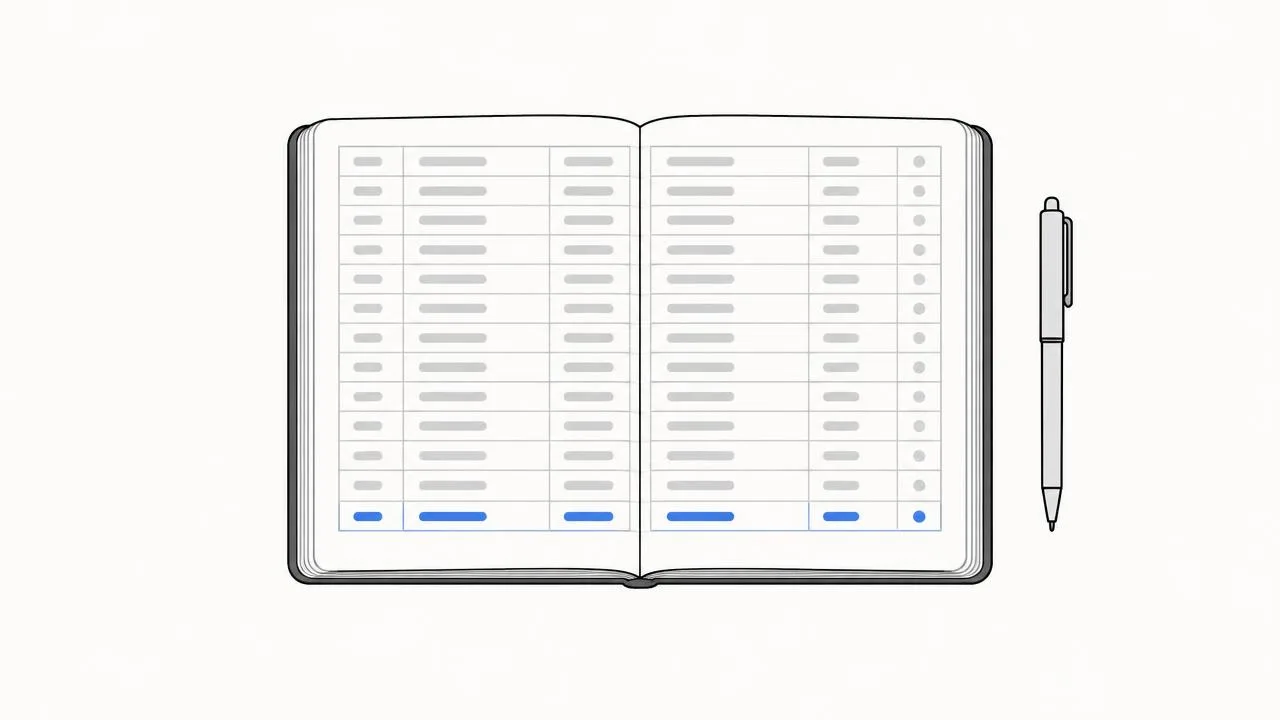
The examples above keep a balance column next to a ledger. ShipKit goes one
step further and drops the balance column: the balance is the sum of an
append-only ledger, and spending is one INSERT … SELECT that only produces a
row if the sum covers the cost. Simplified:
INSERT INTO credit_ledger (id, user_id, delta, reason, ref_id)
SELECT :id, :user, -:cost, :reason, :ref
WHERE (SELECT coalesce(sum(delta), 0)
       FROM credit_ledger WHERE user_id = :user) >= :cost
ON CONFLICT DO NOTHING
Zero rows changed means the balance was short, or that this ref_id was
already charged. A unique index on it turns a retried request into a no-op,
not a second charge. There is no balance to drift out of step with the
ledger, because there is only the ledger. The real statement does a little
more: it spends the expiring monthly allowance before purchased credits,
splitting the debit across two rows. It is still one statement.
The rule of thumb
If a decision depends on current state, push the decision into the WHERE
clause. If several writes must land together, use batch(). If you find
yourself wanting to read, branch in JavaScript, and then write — that is the
shape D1 cannot give you, and it is worth restructuring before it becomes a
bug you only see under load. And if you find you need that shape everywhere,
your product may want Postgres. Here is what moving from D1 to Postgres
involves.